

All Kompose Audio Kontakt instruments are supplied as Kontakt Files, not Kontakt Libraries. This means they will not appear in the Library side pane inside Kontakt. The Library side pane is reserved only for Kontakt Libraries that are installed via Native Access and require a serial number for activation.
Where to Find Our Products
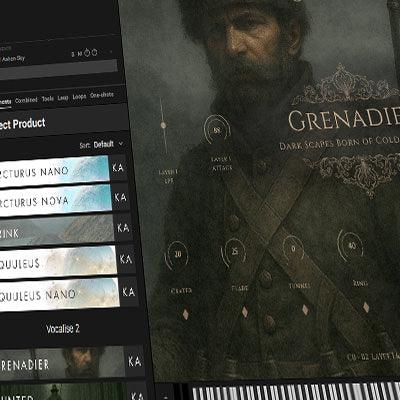
Kontakt File instruments appear in Kontakt’s main Library Browser, located under the Library tab at the top of Kontakt (between FILE and VIEW).
After clicking the Import content icon and importing the product, you can then place the image files in the location shown in our installation instructions. Once done, the product and its presets will appear in the Library Browser.
Even without adding the images, the product will still appear - just without artwork.
If everything has been placed correctly, your instrument will be fully accessible from the Library Browser.
Kontakt 7 vs Kontakt 8
There are a few display differences between versions:
Kontakt 8 (Default View): Shows imported Kontakt products in both the Library Browser and the left side pane.
Kontakt 7: Shows imported products only in the Library Browser.

댓글 남기기
모든 댓글은 게시 전 검토됩니다.
이 사이트는 hCaptcha에 의해 보호되며, hCaptcha의 개인 정보 보호 정책 과 서비스 약관 이 적용됩니다.