
Audio Demos
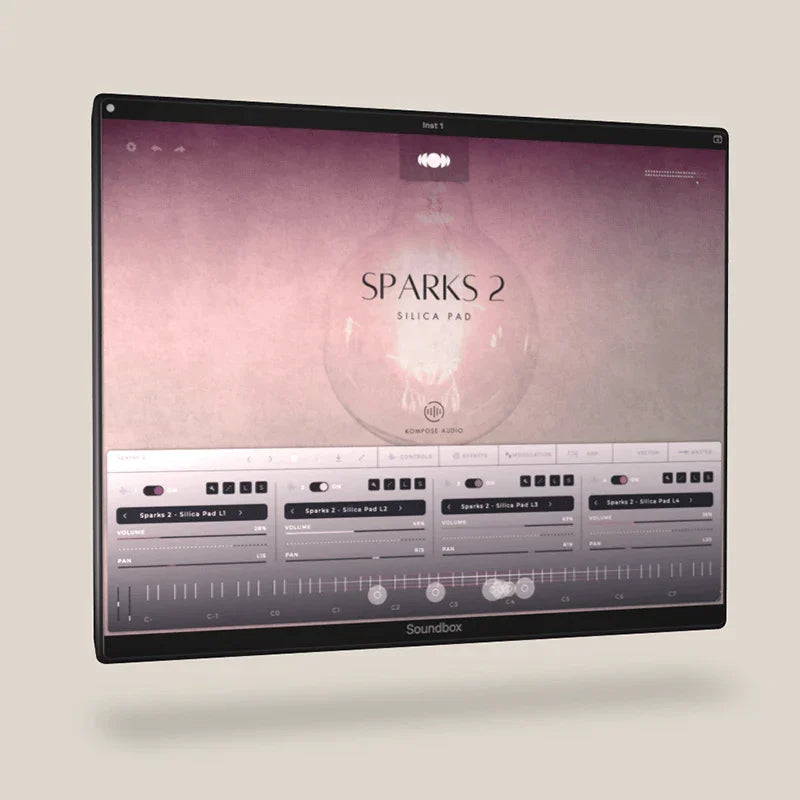
Sparks 2 - Silica Pad
Available to purchase for one day only.
When the countdown timer ends, this Spark disappears and will never be available again. A tiny moment of sound. Available for just one day.
Including tax.
Platforms supported
Mac OS 10.14 and up (including Native Apple Silicon M1 and higher compatibility). PC Windows 10 and newer. Linux and iPadOS.
VST3 • AU • AAX & Standalone for Windows & macOS.
AUv3 & Standalone for iPadOS. Requires iPadOS 12.0 or later.
You can also view all of our Kontakt Instruments here.
What is Soundbox and where can I download it?
Soundbox is a versatile and fully customizable MPE (MIDI Polyphonic Expression) sampler developed by Audiomodern, designed to introduce cutting-edge virtual instruments with enhanced power and flexibility. Serving as an all-in-one musical platform, it features modular effects, LFO sections and a vector engine for dynamic sound design. Soundbox is available as a free engine, with the option to purchase additional instrument libraries and supports platforms including macOS, Windows PC and iPadOS.
IMPORTANT: All Kompose Audio Soundbox Packs work with the free Soundbox player.
Click here to download the free Soundbox player.
How do I download and install Soundbox packs?
After you complete your order, you’ll see a Download button on the thank you page. Just click the button to download your product.
You will also receive an email with a download link.
Additionally, click on My Downloads in the menu, go to your order and click the Download button there.
How to install Soundbox packs?
Open Soundbox, click on User Sounds, then click on Import Pack and select the .sbpack file that you have downloaded, click open and that's it!
What software and hardware do I need to use a Soundbox pack?
To use a Soundbox pack, you’ll need the following:
- A MIDI controller keyboard
- A DAW (Digital Audio Workstation)
- A compatible desktop computer or iPad
Important things to know:
- Soundbox is not a music streaming service – it doesn’t include pre-made music.
- It’s a virtual instrument, designed to help musicians create their own music.
- Soundbox doesn’t record audio on its own. To record your music, you’ll need to use it inside a DAW.
Click here to learn more about DAWs.
Important information for iPad users
Our Soundbox packs are exclusively available through the Kompose Audio website and cannot be purchased via the Apple App Store.
Once you've completed your purchase, log in to your Kompose Audio account on your iPad. Go to My Downloads and download your Soundbox pack.
Next, open the Soundbox app, tap User Sounds, then select Import Pack. Choose the .sbpack file you just downloaded, tap Open, and you're all set!
For example, if you’ve purchased the Lumen pack, you’ll see a file named Lumen.sbpack. That’s the file you’ll import into Soundbox.
Sparks - Tiny bursts of inspiration. Available for one day only.
Each week, a new Sparks appears on a random day. It will be available for just one day and costs only £1.50. When the countdown timer ends, the Sparks disappears and will never be available again.
Sparks are fully playable one-shot presets for Soundbox, developed to ignite creativity the moment you touch the keys. Each preset is crafted from four expressive layers using custom source sounds from new and vintage hardware keyboards, brought to life with Soundbox’s powerful built-in effects, modulators, and its intuitive vector engine.
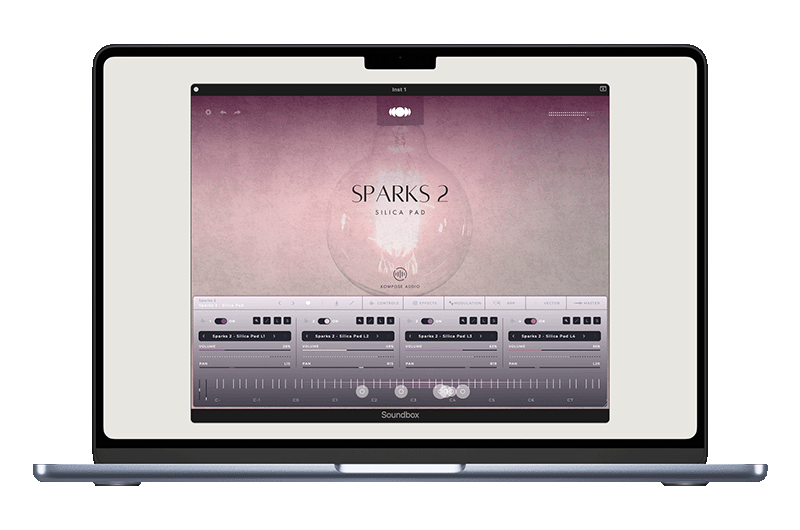
Download for Desktop
Mac OS, PC Windows and Linux
VST3 • AU • AAX & Standalone.
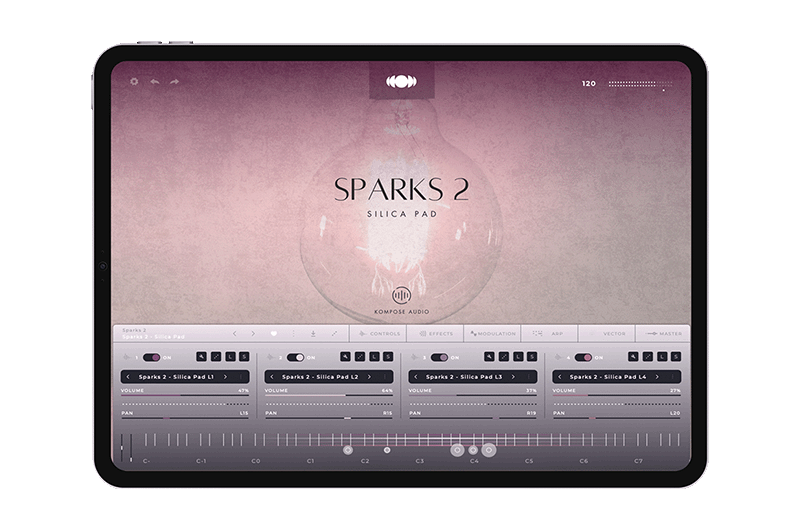
Download for iPad Pro
The Soundbox interface makes it easy to shape your sound. Each layer is fully adjustable with ADSR, effects, modulation, arpeggiator, and a versatile vector pad for morphing through layers with various vector shapes. Plus, you can quickly tweak volume, panning and solo/mute layers on the main page, giving you total control to sculpt the soundscapes to suit your project. Once you've perfected your setup, save your unique presets using the intuitive and easy to use browser.
Adding new packs to Soundbox is a breeze! Head to the User Sounds menu, enter the preset and pack manager, click Import, and select the downloaded Soundbox Pack (.sbpack file) and you're done!
With Soundbox player freely available to everyone (starting from version 1.0.3), you can explore Soundbox Fusions without needing any license activation. Simply download the Soundbox player from Audiomodern’s website and dive right in!
Important: Kompose Audio Soundbox packs work fully with the Soundbox player, except for the Sample & Mapping editor, which is for importing and editing your own sounds. To unlock this feature, enter the license key from any Audiomodern Soundbox instrument in the settings tab. Once unlocked, it stays active forever and includes free lifetime updates.
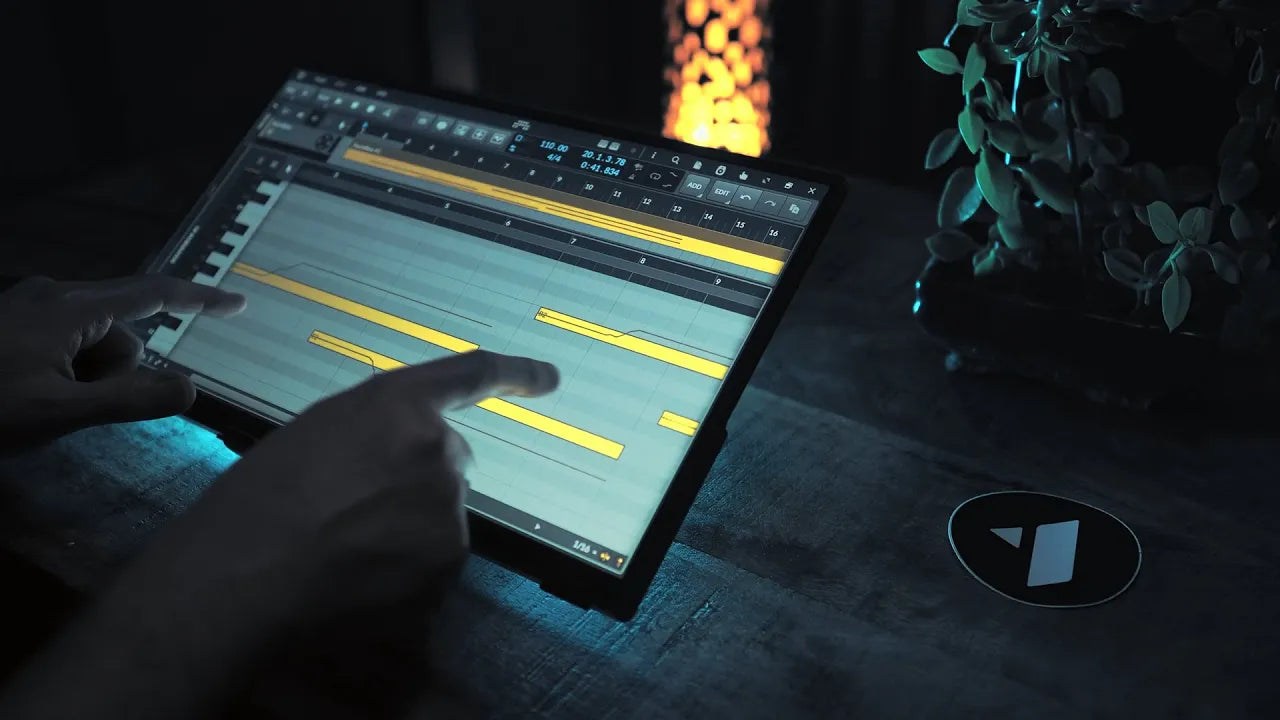
MPE & Multi-touch demonstration
Soundbox supports MPE (MIDI Polyphonic Expression) and is also Multi-touch enabled, making it one of the very few audio samplers offering both MPE and full multi-touch support.
Technical Information
Please carefully read the system requirements before purchasing this product.
Soundbox Requirements
Platforms Supported
Mac OS 10.14 and up (including Native Apple Silicon M1 and higher compatibility). PC Windows 10 and newer. Linux and iPadOS.
Plugin Formats
VST3 • AU • AAX & Standalone for Windows & macOS
AUv3 & Standalone for iPadOS
DAWS Supported
All major DAWs, including Ableton Live, Pro Tools, Logic Pro, FL Studio, Cubase, Studio One, Bitwig, Reaper, Reason etc.


