
Audio Demos
Glowtone Keys
To get Glowtone Keys for free, simply add any product to your cart, then add Glowtone Keys to your cart and it will be free!
Offer ends May 31st. Cannot be combined with the any other promotion.
Including tax.
You can also view all of our Kontakt Instruments here.
What is Soundbox and where can I download it?
Soundbox is a versatile and fully customizable MPE (MIDI Polyphonic Expression) sampler developed by Audiomodern, designed to introduce cutting-edge virtual instruments with enhanced power and flexibility. Serving as an all-in-one musical platform, it features modular effects, LFO sections and a vector engine for dynamic sound design. Soundbox is available as a free engine, with the option to purchase additional instrument libraries and supports platforms including macOS, Windows PC and iPadOS.
IMPORTANT: All Kompose Audio Soundbox Packs work with the free Soundbox player.
Click here to download the free Soundbox player.
How do I download and install Soundbox packs?
After you complete your order, you’ll see a Download button on the thank you page. Just click the button to download your product.
You will also receive an email with a download link.
Additionally, click on My Downloads in the menu, go to your order and click the Download button there.
How to install Soundbox packs?
Open Soundbox, click on User Sounds, then click on Import Pack and select the .sbpack file that you have downloaded, click open and that's it!
What software and hardware do I need to use a Soundbox pack?
To use a Soundbox pack, you’ll need the following:
- A MIDI controller keyboard
- A DAW (Digital Audio Workstation)
- A compatible desktop computer or iPad
Important things to know:
- Soundbox is not a music streaming service – it doesn’t include pre-made music.
- It’s a virtual instrument, designed to help musicians create their own music.
- Soundbox doesn’t record audio on its own. To record your music, you’ll need to use it inside a DAW.
Click here to learn more about DAWs.
Important information for iPad users
Our Soundbox packs are exclusively available through the Kompose Audio website and cannot be purchased via the Apple App Store.
Once you've completed your purchase, log in to your Kompose Audio account on your iPad. Go to My Downloads and download your Soundbox pack.
Next, open the Soundbox app, tap User Sounds, then select Import Pack. Choose the .sbpack file you just downloaded, tap Open, and you're all set!
For example, if you’ve purchased the Lumen pack, you’ll see a file named Lumen.sbpack. That’s the file you’ll import into Soundbox.
Soundbox Pack

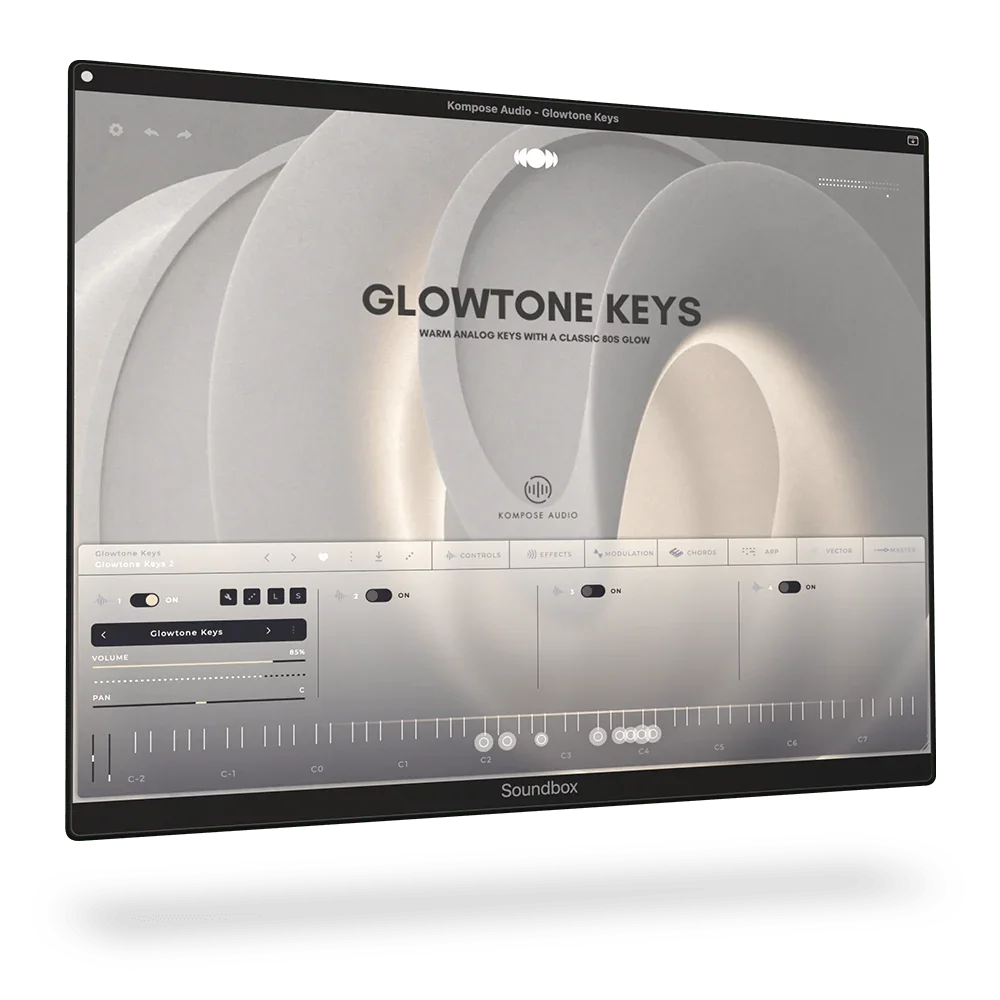
Warm analog keys with a classic 80s glow.
Glowtone Keys is a beautifully warm, nostalgic Soundbox instrument captured from the iconic Piano 1 preset of the Roland JX-8P. This isn’t just a sampled sound - it’s a captured moment in time. A tone that instantly transports you back to the golden era of 80s pop, film soundtracks, and late-night studio sessions where simplicity and emotion came first.
At its heart, Glowtone Keys is about feel. That unmistakable softness. The gentle attack. The warm, slightly chorused character that sits perfectly between an electric piano and a synth. It’s the kind of sound you don’t analyse - you just play. The kind that makes you lose half an hour without even noticing. Each note has been carefully recorded with 8 velocity layers, capturing the natural dynamics and expression of the original instrument, allowing for a more responsive and emotive playing experience.
Released in the mid-1980s, the Roland JX-8P became known for its rich analog tones and lush, expressive presets, powered by digitally controlled oscillators and that signature Roland chorus. The Piano 1 preset is one of its hidden gems - subtle, emotive, and effortlessly musical. It’s a sound that quietly found its way into countless productions of the era, blending beautifully into mixes while still carrying its own character.
Glowtone Keys captures that essence in a simple, playable form inside Soundbox. Load it, play a chord, and you’re there - warmth, nostalgia, and inspiration in an instant.
No complexity. No overthinking. Just a beautiful sound that invites you to play.
Roland JX-8P

Explore the story behind the Roland JX-8P in this official article from Roland, and discover why this iconic 1985 polysynth continues to inspire musicians and sound designers to this day.

Download for Desktop
Mac OS, PC Windows and Linux
VST3 • AU • AAX & Standalone.

Download for iPad Pro
Important: Kompose Audio Soundbox packs work fully with the Soundbox player, except for the Sample & Mapping editor, which is for importing and editing your own sounds. To unlock this feature, enter the license key from any Audiomodern Soundbox instrument in the settings tab. Once unlocked, it stays active forever and includes free lifetime updates.
MPE & Multi-touch demonstration
Soundbox supports MPE (MIDI Polyphonic Expression) and is also Multi-touch enabled, making it one of the very few audio samplers offering both MPE and full multi-touch support.
Technical Information
Please carefully read the system requirements before purchasing this product.
Soundbox Requirements
Platforms Supported
Mac OS 10.14 and up (including Native Apple Silicon M1 and higher compatibility). PC Windows 10 and newer. Linux and iPadOS.
Plugin Formats
VST3 • AU • AAX & Standalone for Windows & macOS
AUv3 & Standalone for iPadOS
DAWS Supported
All major DAWs, including Ableton Live, Pro Tools, Logic Pro, FL Studio, Cubase, Studio One, Bitwig, Reaper, Reason etc.
